Screen recordings
that sell.
Record your product, drop in motion graphics, or let any AI cut the whole video for you.
Free. No account. No watermark.
motion graphics, ready to drop in.
Titles, 3D, charts, captions and transitions. Change the words. Keep the motion.
A real editor.
Fast on long projects.
Not templates. A full timeline that stays fast at 10 minutes and 350 clips.
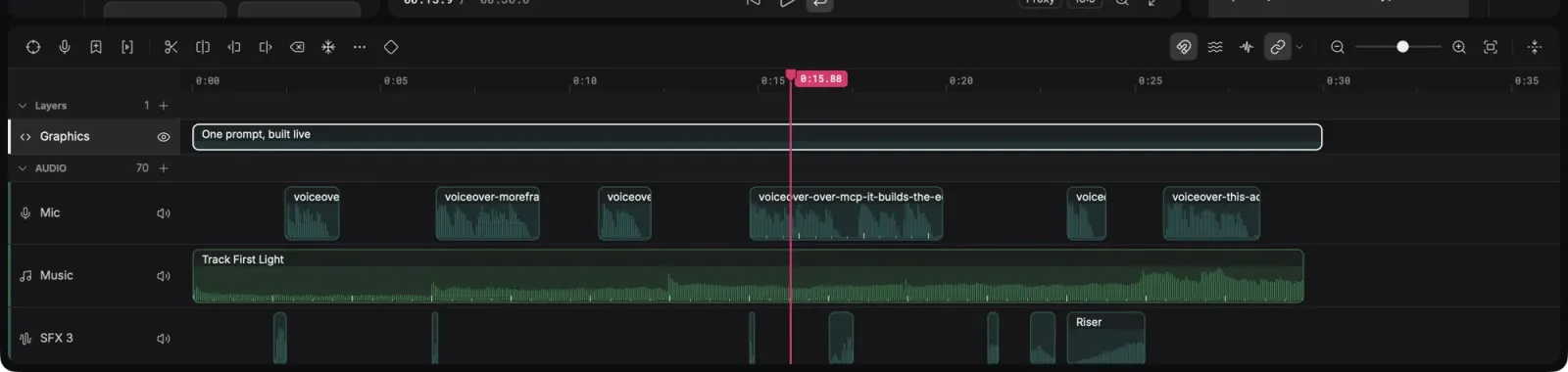
Every cut. Every waveform.
Layers, groups, keyframes, slip, roll and ripple. Remove noise, duck and cut to the beat.
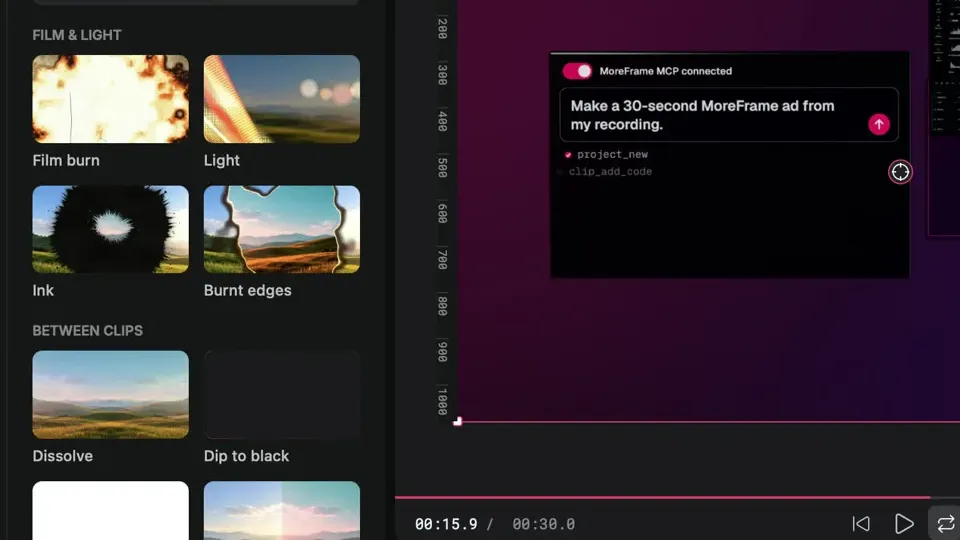
Film, not filters.
Burns, leaks, ink and LUTs.
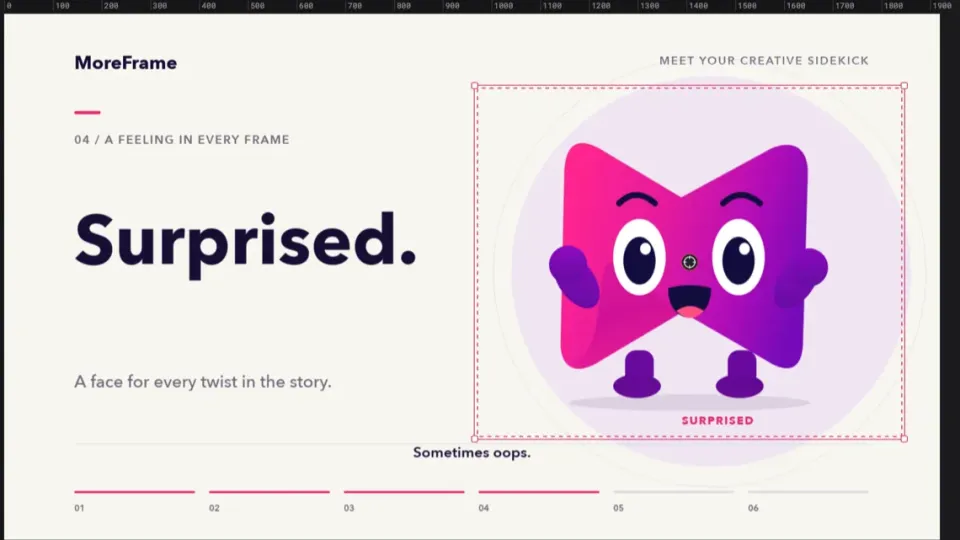
Move in 3D.
Camera moves, masks and characters.
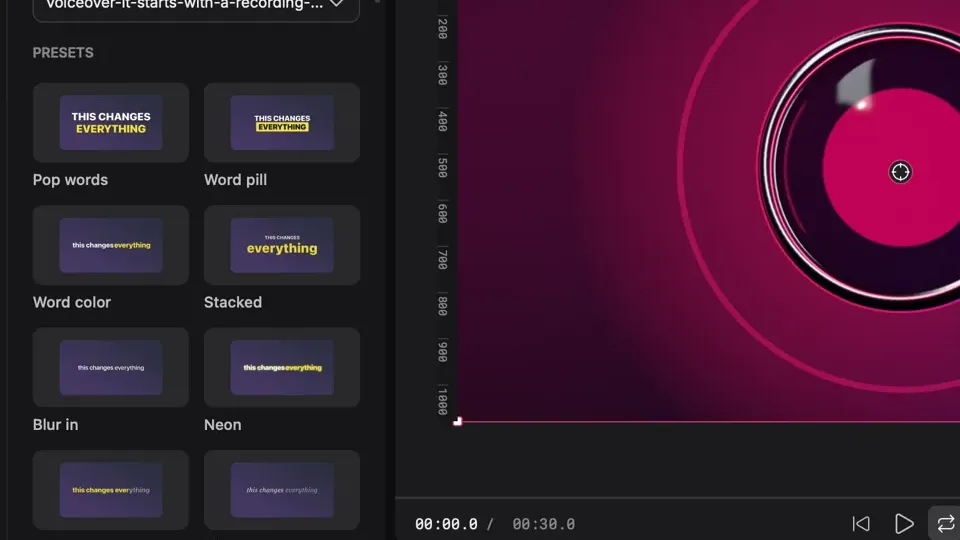
Word by word.
Then remove silences, fillers and retakes.
Set once. On every project.
Your watermark, logo or text, with motion. Safe zones and loudness, ready before you start.
Bring any AI.
It edits.
ChatGPT through Codex, Claude, Cursor, a model on your own computer, or any agent that speaks MCP. Say what you want, watch it build, undo anything.
- Several agents, several projects, at once. Each on its own project; none overwrites another.
- Works while you do. In the background; the menu bar shows who's editing.
- The same tools you use. Every button is a tool, and every edit can be undone.
On brand.
Every frame.
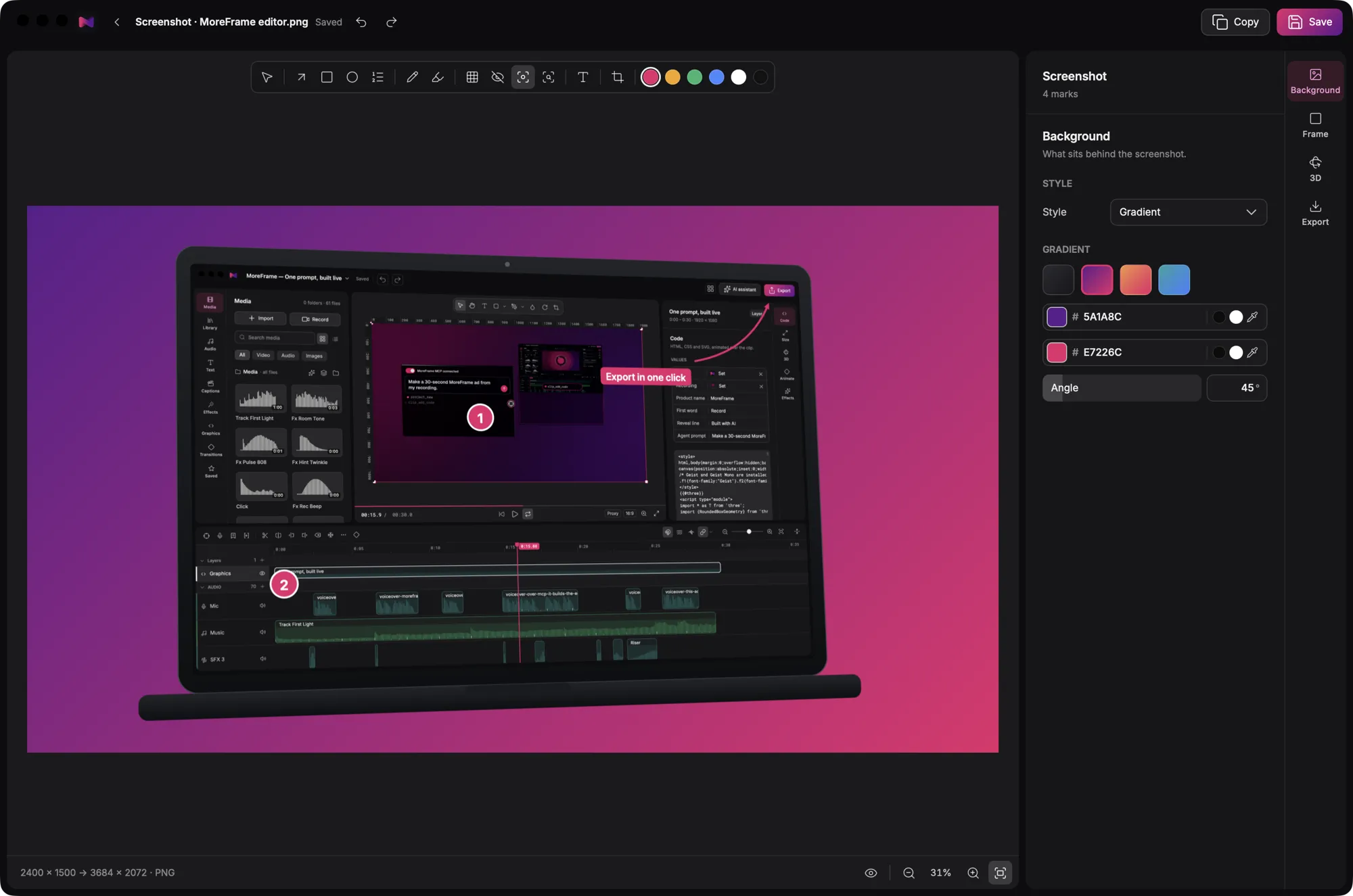
Your logo, colours and fonts on every video, and every screenshot ready to share.
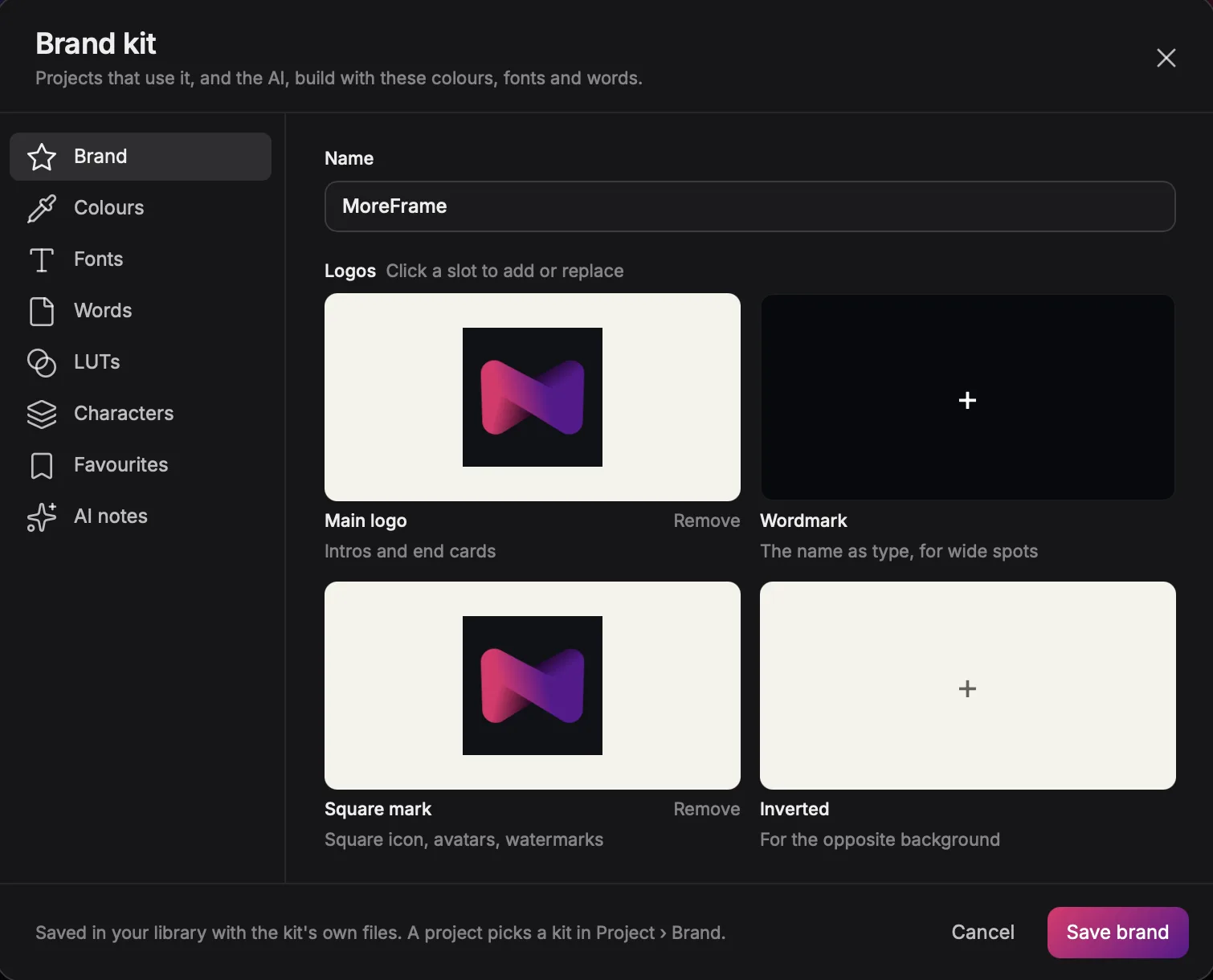
Brand kits
Logo, colours, fonts and words, set once. Every project and your AI build with them.
Screenshots
Frame it in a device, mark it up, blur what's private. Done in seconds.
Made for the videos
you ship.
Launch videos, studio finish.
Graphics, zooms and music on a real recording.
See how →Walkthroughs that zoom to the click.
Record two screens. Smart Zoom does the rest.
See how →Talking-head ads that stop the scroll.
Presenter effects, word-by-word captions and B-roll around you.
See how →Lessons people finish.
Captions, zooms and a character that explains with you.
See how →One edit. Every feed.
16:9, 9:16 and 1:1 from the same project.
See how →Bug reports that explain themselves.
Frame, mark up and blur screenshots in seconds.
See how →Made in MoreFrame.
Start to finish.
Free. Really.
The whole editor, no watermark, no account.
Free forever, on one computer.
- The full recorder and editor
- Auto captions and Smart Zoom
- 600+ motion graphics
- Sound effects and music
- Animated characters
- Brand kits and screenshots
- Export up to 1080p
Just $3.33 a month, billed yearly.
- Everything in Free
- 1440p and 4K export
- Any AI agent over MCP, on the ChatGPT or Claude plan you already have
- WebP, SVG and Lottie
- Up to two computers
Questions
Is MoreFrame free?
Yes. The full recorder and editor are free, with no watermark and no account, and export up to 1080p. Pro adds 1440p and 4K, WebP, SVG and Lottie, and AI agents over MCP.
Does MoreFrame work on Windows?
Yes. MoreFrame runs on Apple silicon Macs with macOS 13 or later and on 64-bit Windows 10 and 11, with the same editor and projects.
Which AI can edit my video?
Any agent that speaks MCP can edit with the same tools you use: ChatGPT through Codex (sign in with your ChatGPT plan), Claude, Cursor and others. The built-in assistant works with your own Anthropic or OpenAI key, or a model running on your computer.
Can two AIs edit at once?
Yes. Each agent works on its own project, in the background, while you keep editing. A project is never edited by two agents at the same time, and the project switcher and menu bar show who is working.
Do my recordings leave my computer?
No. Recording, editing and export run on your computer. Cloud transcription or voice only runs when you add your own key.
What can I export?
Free: MP4 and MOV up to 1080p, GIF, PNG, JPEG and AVIF. Pro: 1440p and 4K, animated WebP, SVG and Lottie.
Your next video
starts here.
Apple silicon Macs, macOS 13 or later · 64-bit Windows 10 or 11