 MoreFrame
Guide · Motion graphics
Add 500+ motion graphics
Titles, 3D, charts, end cards and callouts. Change the words, keep the motion.
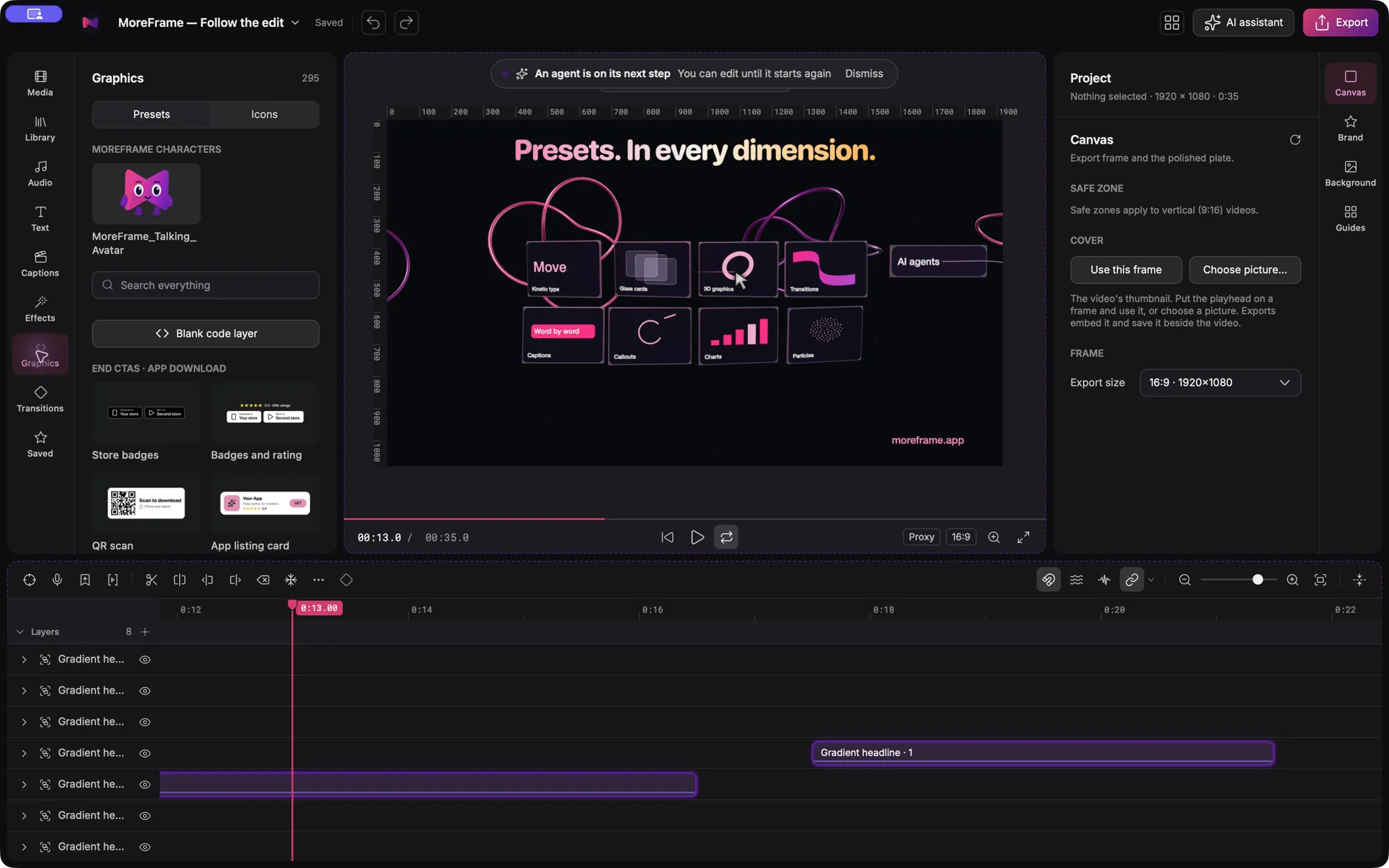
MoreFrame comes with more than 500 motion graphics, ready to drop on the timeline. Change the words, colours and pictures; the motion stays.
Add a graphic
- Open the Graphics panel (or Text for titles).
- Search, or browse by group: titles, kinetic type, 3D, charts, end cards, callouts and more.
- Hover to preview, then click to add it at the playhead.
- Change its words, colours and pictures in the inspector.
Works in every shape
Graphics re-flow when you change the canvas, so the same edit works in 16:9, 9:16 and 1:1. Text stays inside its box and out of the way of your camera and B-roll.
Make your own
Select layers and save them as a preset. Choose which values it exposes, such as a headline or a colour, and reuse it in any project. Your AI can fill those values by name.