 MoreFrame
Guide · AI
Ask the assistant for an edit
Describe the edit you want; it shows up on the timeline for review.
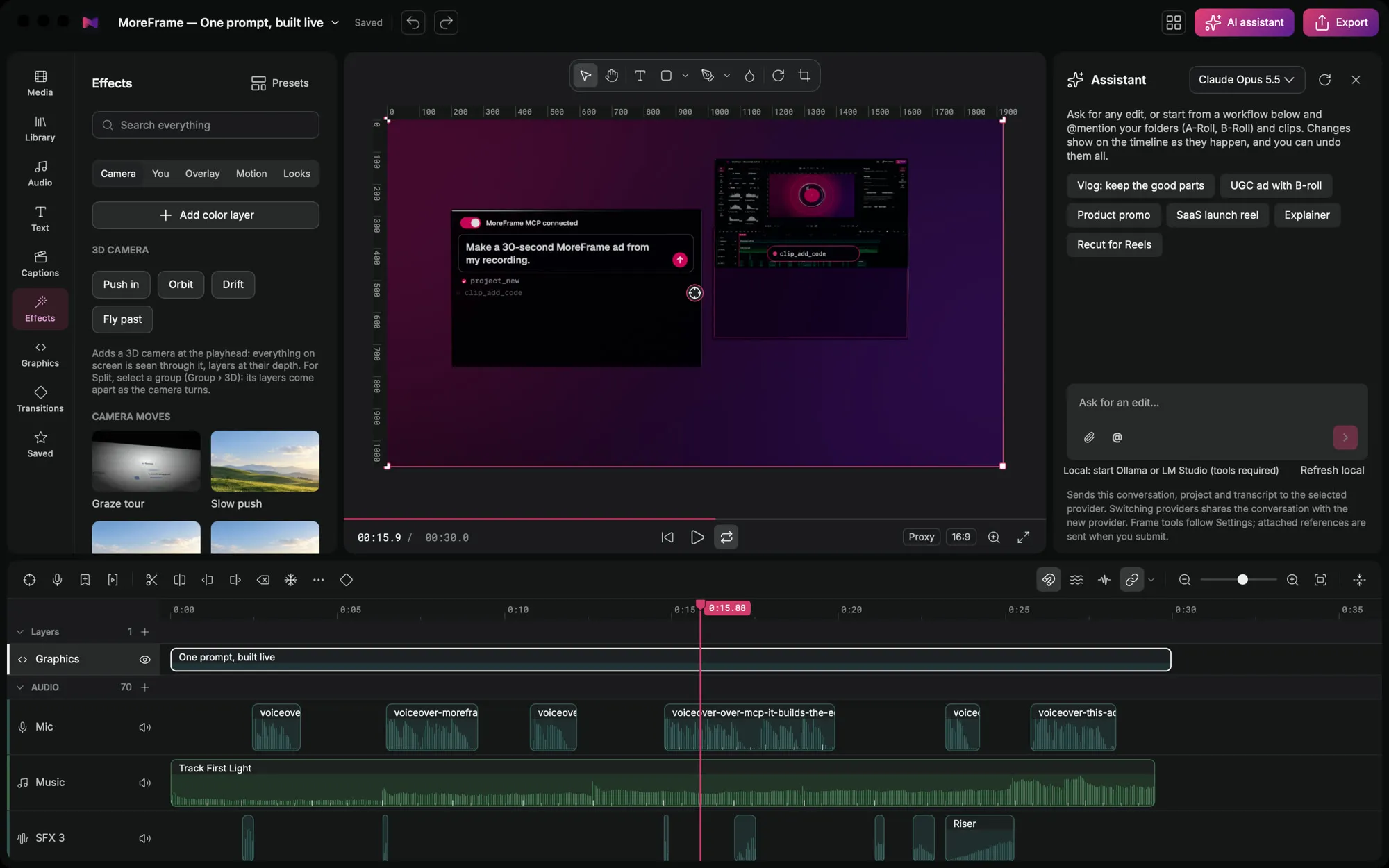
Ask for an edit in plain words. The assistant makes it on your timeline, where you can review and undo it.
Ask for an edit
- Click AI assistant in the top bar.
- Type what you want, or start from a workflow such as Product promo, SaaS launch reel or Recut for Reels.
- Mention folders or clips with @ to point it at the right footage.
- Watch the changes land on the timeline. Keep them, or undo.
Choose a model
- Your own key: Anthropic or OpenAI, set in Settings › AI & Transcription.
- On your computer: a local model through Ollama or LM Studio, with tools turned on. Nothing leaves your computer.
Free: the assistant comes with the free plan; you only pay your AI provider for what you use.