 MoreFrame
Turn on permissions
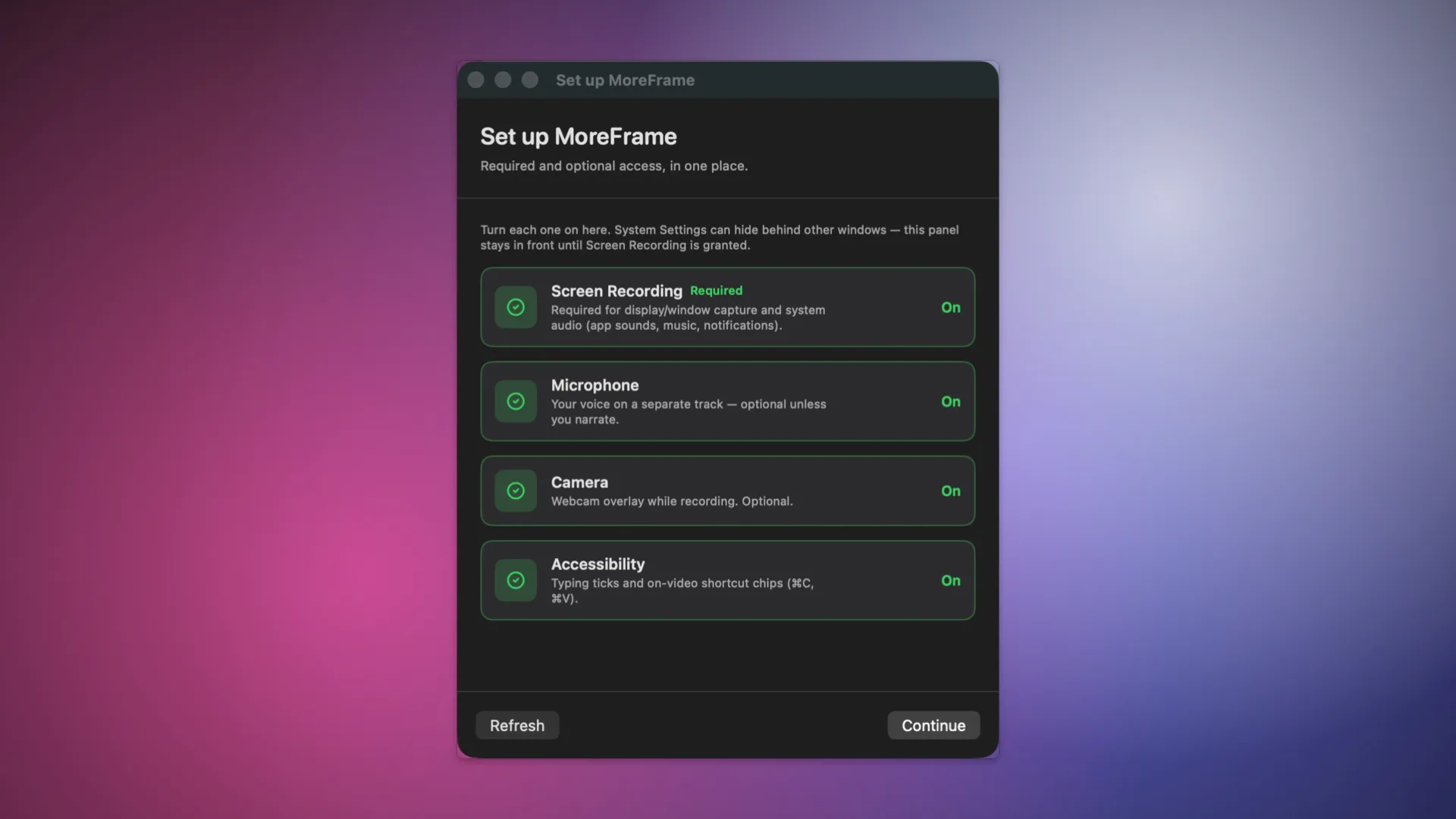
Open System Settings → Privacy & Security:
- Screen Recording: required. After you grant it, quit and reopen MoreFrame. macOS often will not attach capture until relaunch.
- Microphone: if you want voice
- Camera: if you want picture-in-picture
- Accessibility: shortcut chips and typing sounds. Follow the Accessibility steps.
- Input Monitoring (Direct): click sounds and key capture on some Macs
If the window list is empty or previews stay black, Screen Recording is not granted to this copy of the app. Grant it, then reopen.