 MoreFrame
Put yourself in the corner
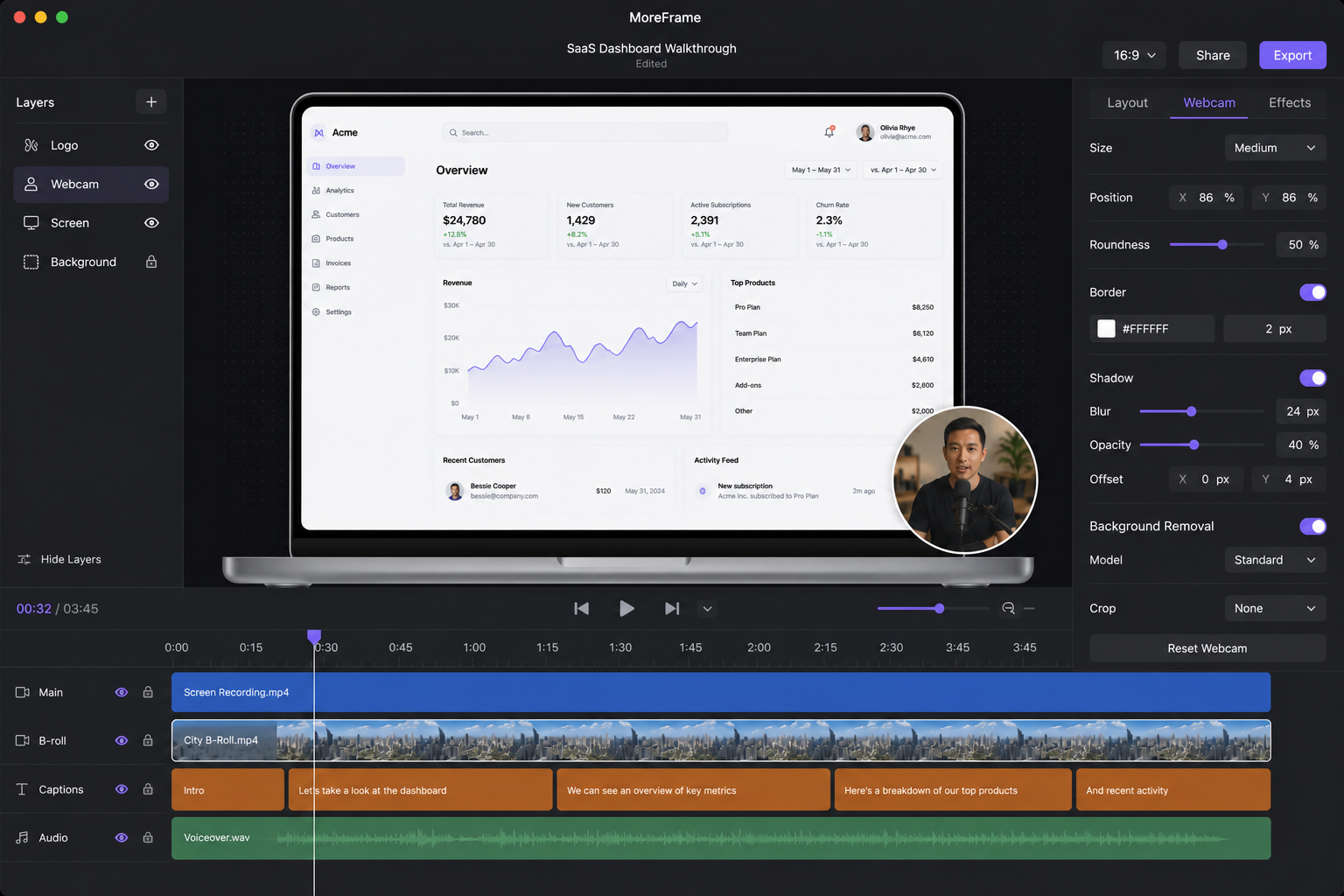
Select the camera clip. The inspector opens Webcam.
- Pick a corner (top or bottom, left or right)
- Pick a shape: Circle, Rounded, Landscape, or Portrait
- Mirror if you want
- Add a border
- Set In and Out under Animation
The camera is a separate movie. Hide it without punching a hole in the recording.