 MoreFrame
Import media
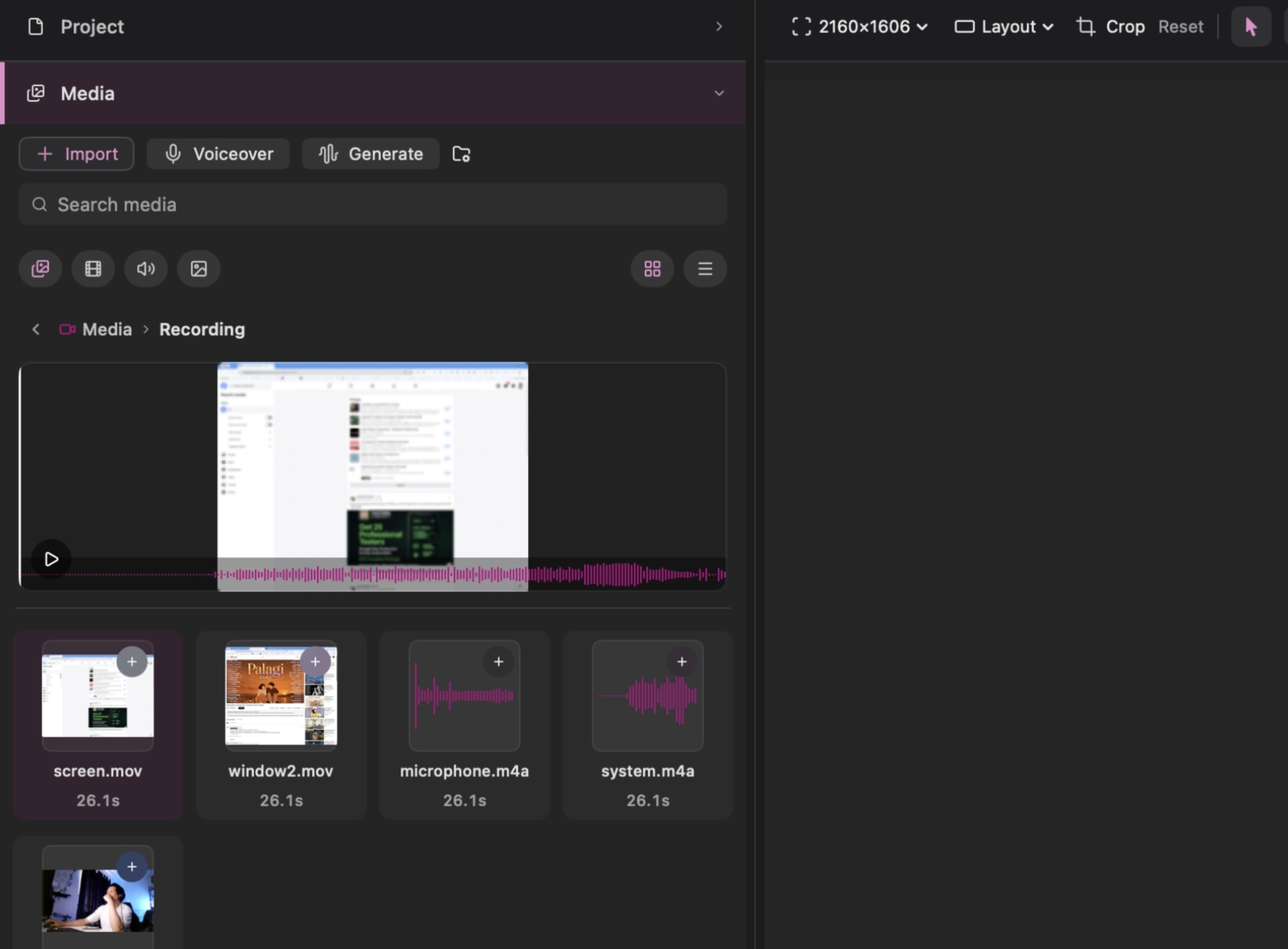
Open Media in the left panel, then use Import or drag files and folders into the media bin. Imported files are copied into the current .moreframe package. You can search, filter by type, create folders under Imported, preview a file, and reveal its location in Finder.
Drag media from the bin onto the canvas or a timeline lane. Dropping at a timeline position controls when it begins; dropping on the canvas places the visual at the current playhead.
- Video becomes B-roll, an overlay, or an extra Main clip depending on where you drop it
- Images become overlays
- SVG becomes graphics
- Audio lands on music or SFX
The separate Assets panel contains files shared across projects. Adding a shared asset copies it into this project, so the edit keeps working even if the shared library changes later.
Select imported items with Command-click or Shift-click to move or remove several together. Removing media from the project also removes timeline clips that use it; it does not delete the original file you imported from Finder.
Replace an overlay’s file from Media in the inspector.