 MoreFrame
Start in the Library
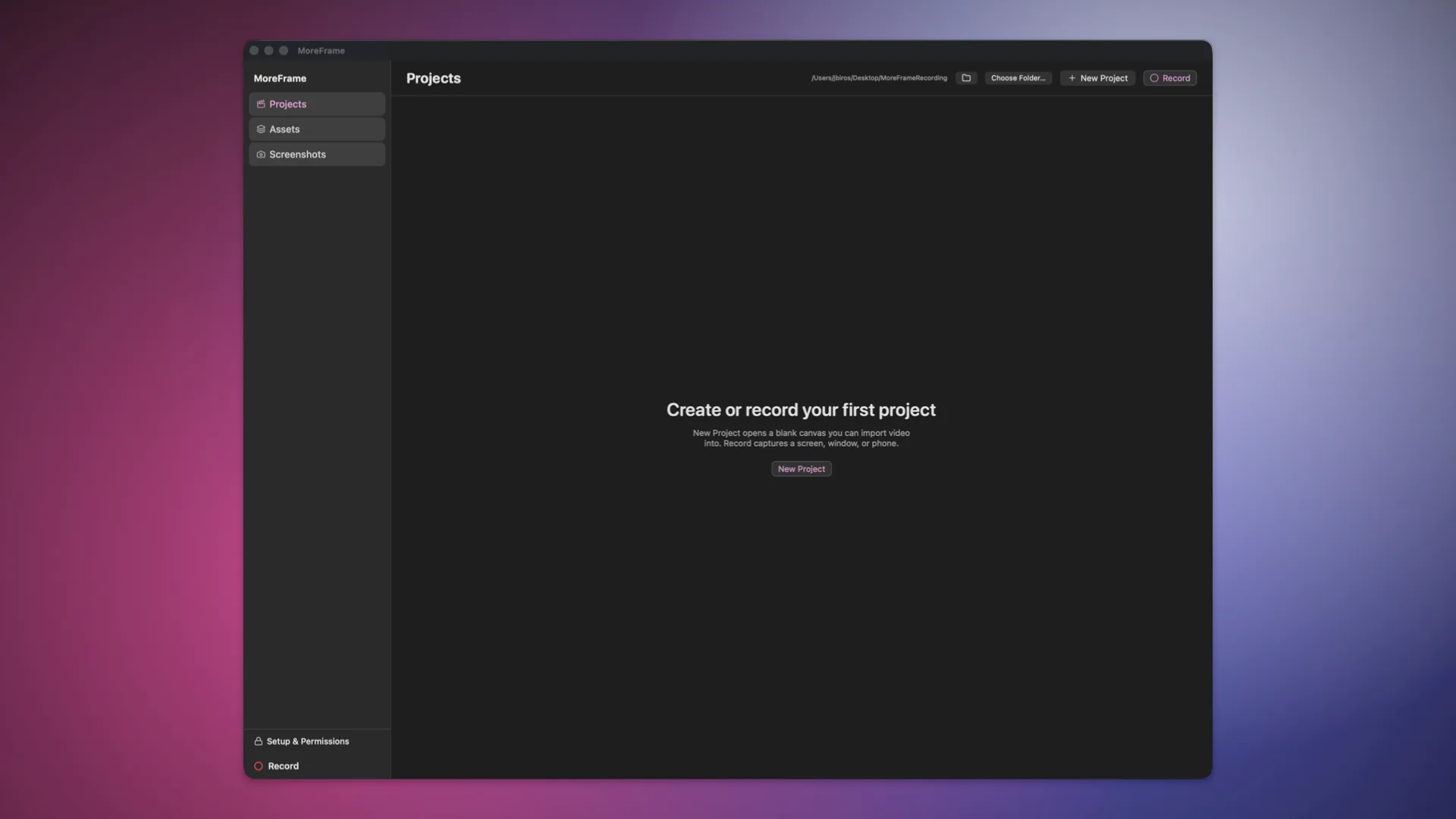
The Library is the first window you see before opening a video project. Its left sidebar separates three different workspaces:
- Projects: create, open, rename, or delete
.moreframeprojects. Use Choose Folder… to change where new projects are stored, or the folder button to reveal the current location in Finder. - Assets: files shared across projects. Import video, music, sound effects, images, and graphics once, then add them from the editor's Assets panel. Removing a shared asset does not remove copies already stored inside existing projects.
- Screenshots: capture and annotate a display, window, or region without creating a video project.
At the bottom of the sidebar:
- Setup & Permissions opens the macOS access checklist for screen, microphone, camera, and input features.
- Record opens the floating recording bar from anywhere in the Library.
Inside a project, click Library in the upper-left corner to return here. MoreFrame saves the project package as you edit, so returning to the Library does not flatten or export the timeline.