 MoreFrame
Layers and the inspector
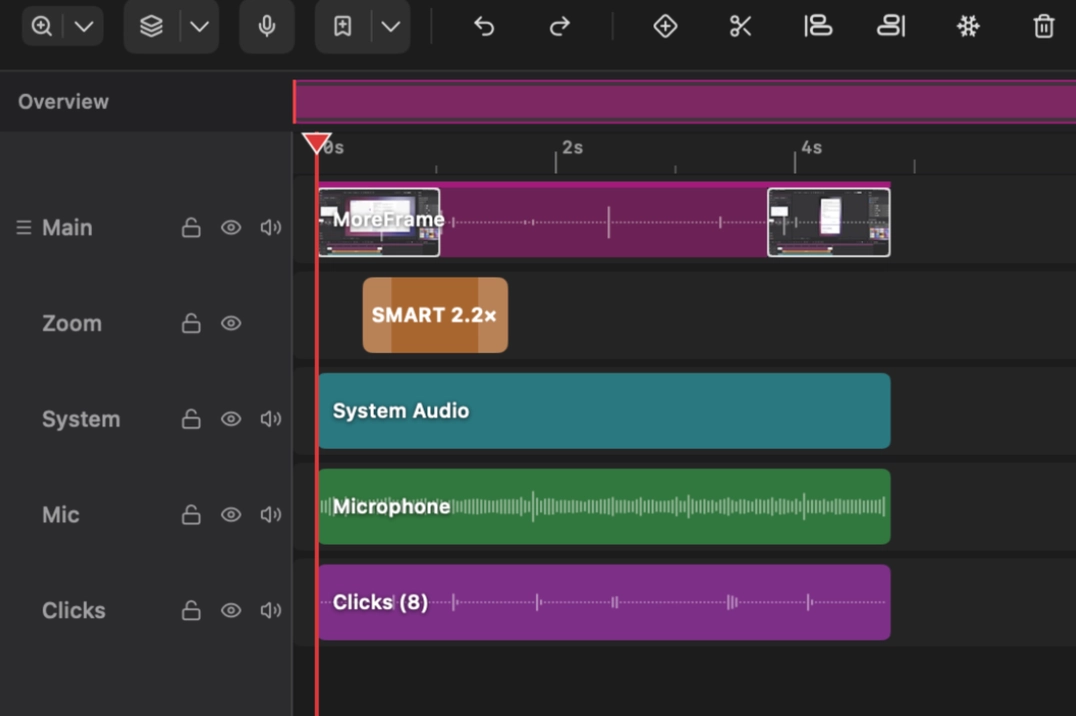
Click a clip. The right sidebar follows it.
- Layout: position, size, rotation, opacity, fit (Cover / Fit / Fill), clip to frame, tilt
- Appearance: mask shape, corners, feather, crop, Invert
- Look: brightness, contrast, warmth, vignette
- Motion: Auto-animate, or Create A → B keys
Locked layers show a banner. Unlock to edit.