 MoreFrame
Install MoreFrame
From this site
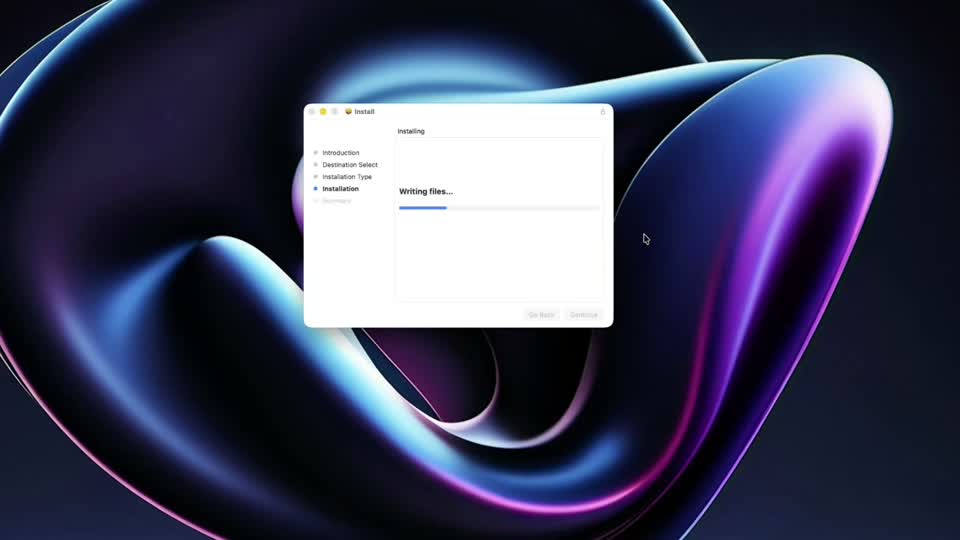
Download the .pkg, open it, choose the Mac disk, and finish the installer. It copies MoreFrame.app into /Applications. The package is signed and notarized, so opening it normally should not require bypassing Gatekeeper. You may be asked for an administrator password, especially when replacing an older pkg-installed copy.
After installation:
- Open MoreFrame from Applications.
- Complete Setup & Permissions in the Library.
- After enabling Screen Recording, quit MoreFrame completely and reopen it.
- Make a short test recording before starting a long take.
When a new Direct version is available, install the newer .pkg over the existing copy. Your .moreframe projects are stored separately and are not removed by replacing the app.
From the Mac App Store
Search MoreFrame when the listing is live. Pro is an in-app purchase.
A few extras are easier on the Direct build: a global stop-recording hotkey, USB iPhone capture, and click/key sounds. Mac screen recording works on both.
Bought Pro in the App Store? You can still install Direct. Apple Pro stays in the App Store app; Direct Pro is a separate license. FAQ.
If macOS shows a damaged-app or unidentified-developer warning for the Direct package, stop and download it again from the official MoreFrame site. Do not disable Gatekeeper.