 MoreFrame
Group clips
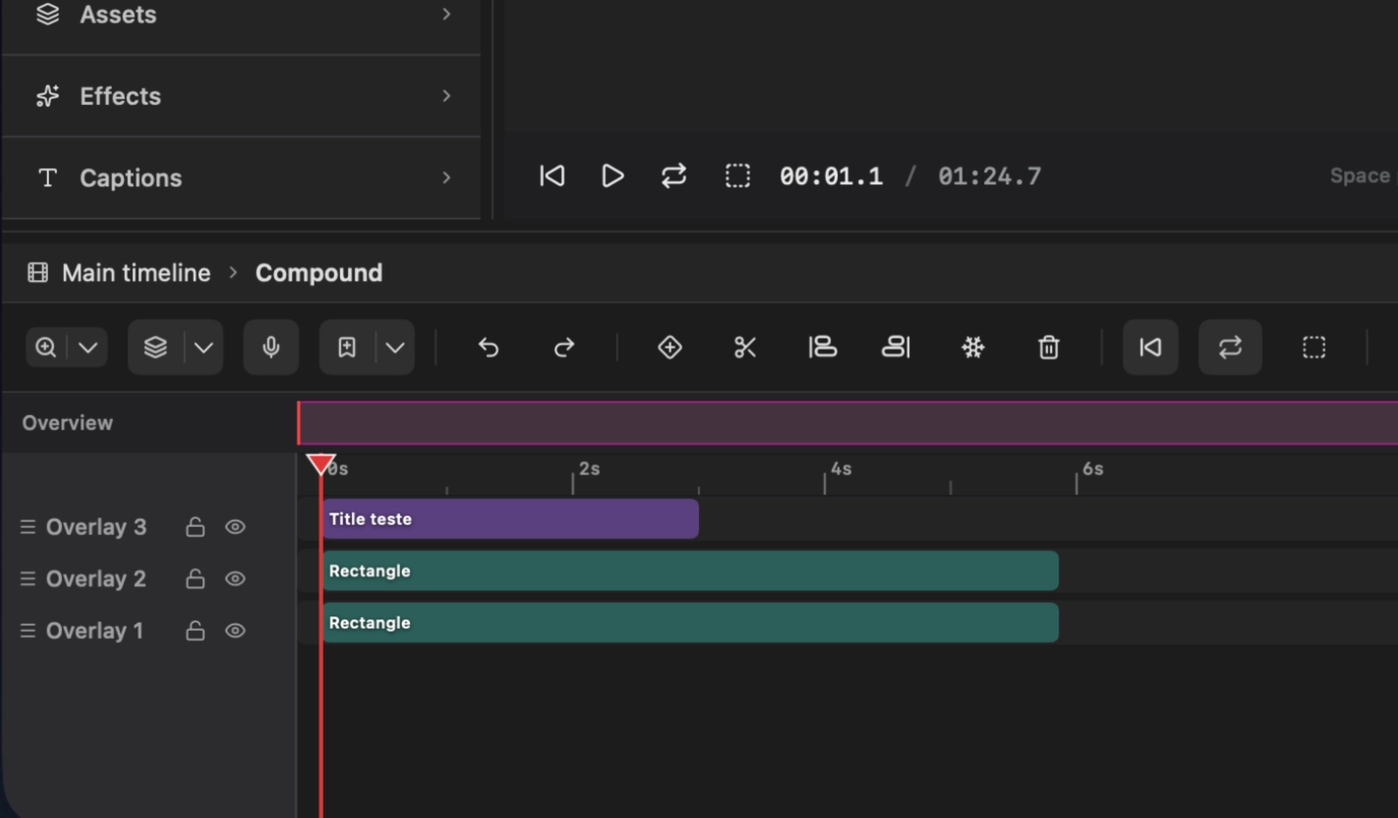
- Select two or more clips.
- Choose Compound Layers.
- Name the group. Turn on Clip to frame so children cannot paint outside the box.
- Turn on Shape mask if the top shape should clip the others.
- Open Compound to edit the nested timeline. Uncompound when you are done.
Hide the group on the timeline and everything inside disappears.