 MoreFrame
Guide · Brand
Set up a brand kit
Logos, colours, fonts and words that every project and your AI use.
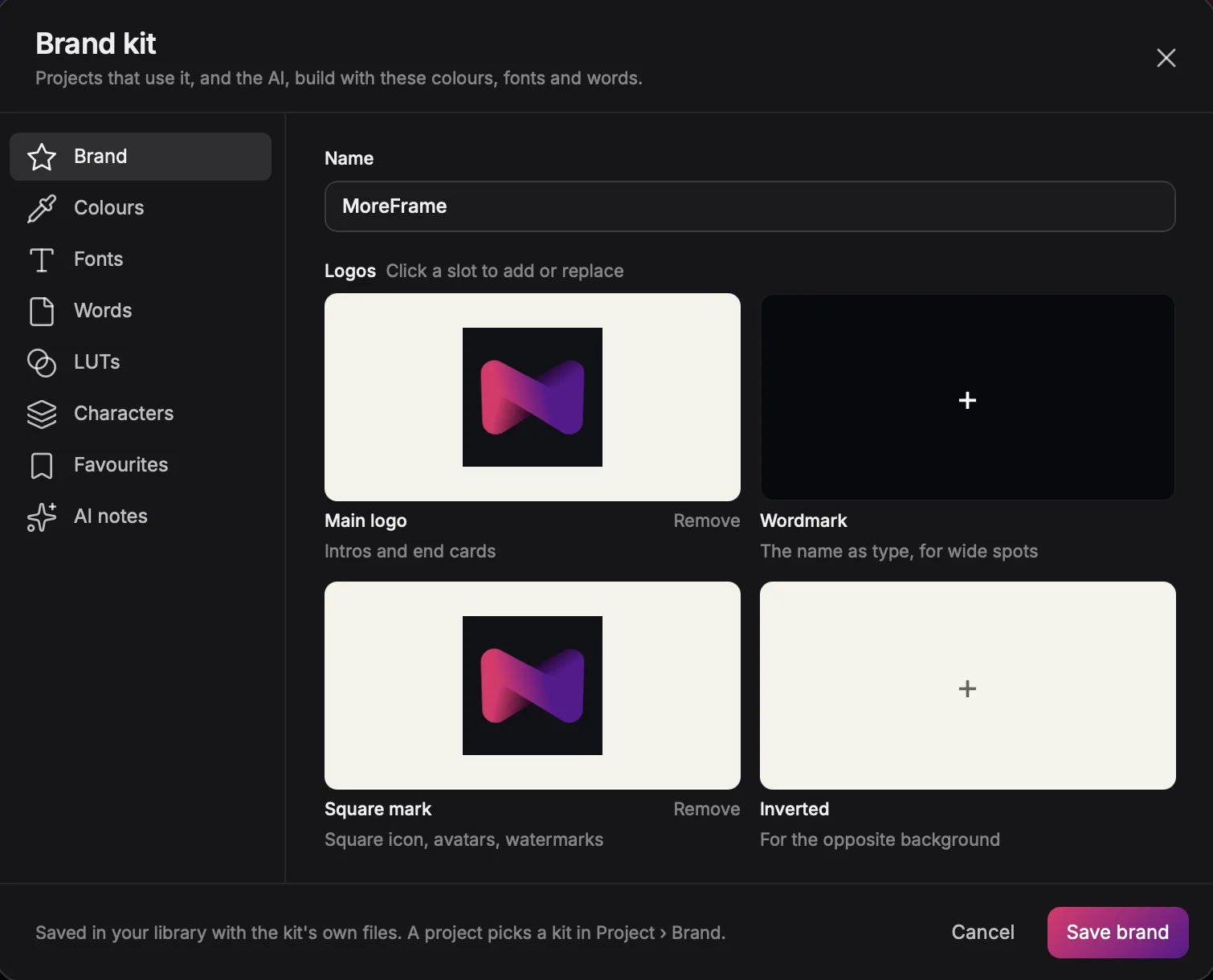
A brand kit holds your logos, colours, fonts and words. Every project that uses it, and every AI edit, builds with them.
Set up a brand kit
- Click Brand kit in the top bar, then New brand kit, or Import from website to start from your site.
- Under Brand, add your main logo, wordmark, square mark and inverted logo.
- Add your Colours, Fonts and Words, such as your product name and tagline.
- Optionally add LUTs, Characters, Favourites and AI notes that tell agents how your brand should feel.
- Click Save brand.
Use it
Pick a kit in a project's Brand settings. Graphics, captions and titles take your colours and fonts, and end cards use your logo.
Tip: export a kit as a
.mfbrand file to share it with a teammate.