 MoreFrame
Guide · Edit
Add transitions
Film burn, light leaks, ink and burnt edges between clips or on top.
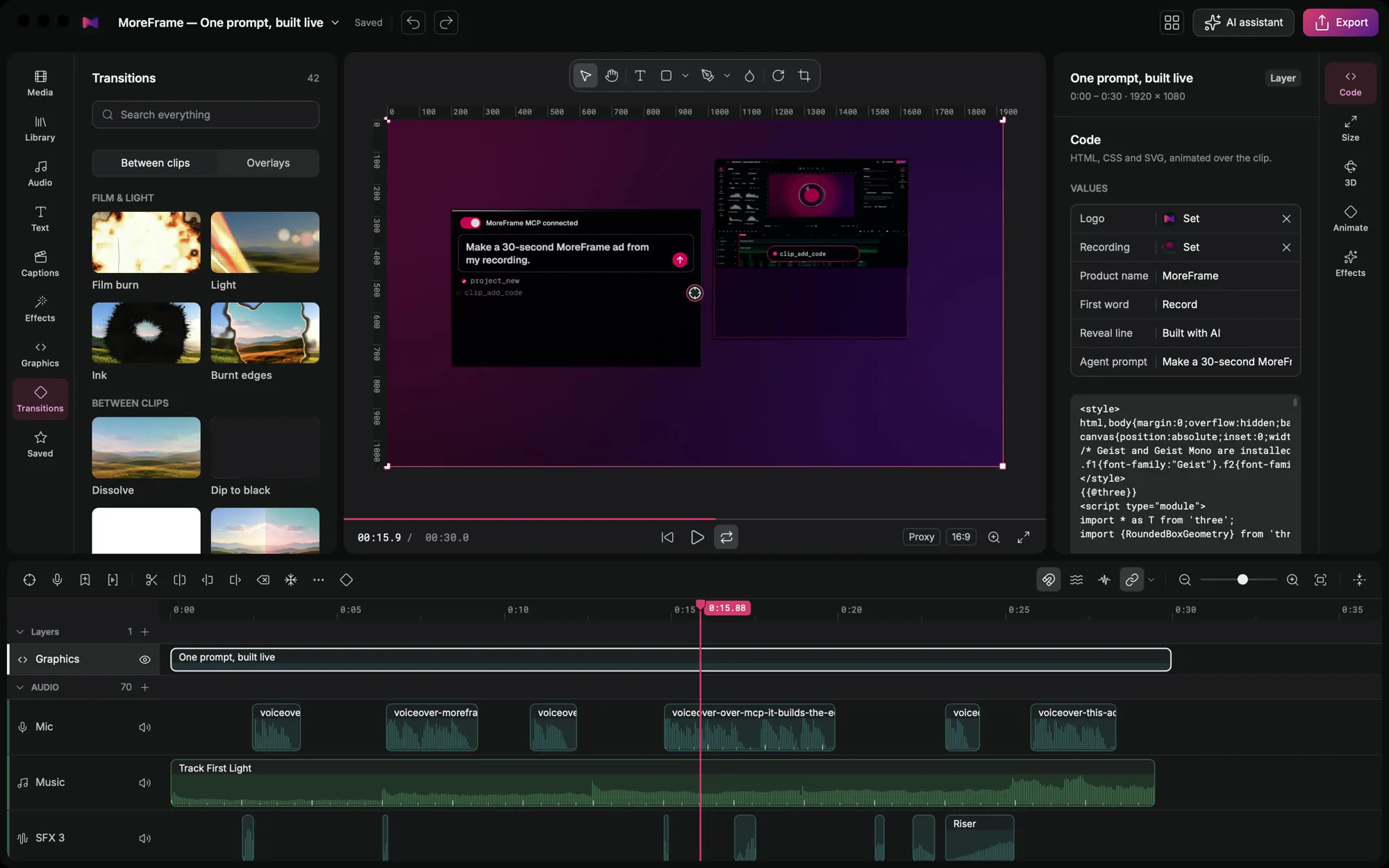
Transitions join two clips, or play on top of one. MoreFrame's film and light transitions are rendered with real texture, not flat wipes.
Add a transition
- Open the Transitions panel on the left.
- Choose Between clips or Overlays.
- Drag a transition onto a cut on the timeline. It fits itself to the cut.
- Select it to change its length and direction in the inspector.
Transitions to try
- Film burn, Light, Ink and Burnt edges for a filmic look.
- Dissolve and Dip to black for quiet changes.
- Analog flash, Light scrawl and Prism flare for energy.
Tip: overlays play on top of a single clip, which is great for a light leak at the start of a scene.